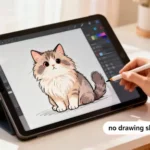

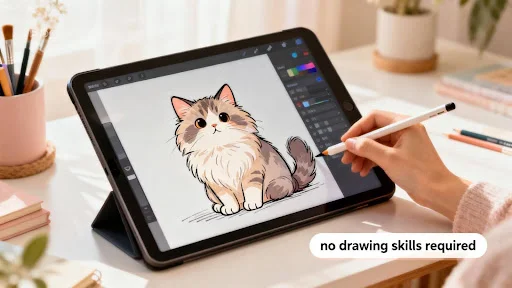
Want to draw a realistic cat but don’t have any illustration skills? With free AI image tools like Vheer, you can turn your ideas into lifelike cat artwork in just seconds—no sketching, no software, no experience needed.
Whether you’re creating a pet portrait, designing social media visuals, or just having fun, Vheer makes it incredibly easy to generate beautiful cat images from simple text prompts.
Why Use AI to Draw a Realistic Cat?
Not everyone has the time or training to draw animals with accurate fur texture, lighting, anatomy, or expression. That’s where a free AI image generator helps—you describe the cat you want, and the tool turns your words into a fully rendered illustration.
AI cat generation is perfect for:
- Creating realistic cat portraits
- Designing cute or stylized cat characters
- Making pet-inspired graphics for blogs or social media
- Experimenting with different breeds, poses, and art styles
- Generating custom images for personal or creative projects
With Vheer AI, you can create unlimited cat images for free—no account, no watermark, no learning curve.
A Quick Introduction to Vheer’s Text-to-Image Generator
Vheer is a free online AI image generator that turns simple text descriptions into high-quality images. It works directly in your browser and requires no login or registration.
Why Vheer is perfect for drawing cats:
- Free to use
- No watermark
- Unlimited generations
- Fast results
- Beginner-friendly interface
Just describe the cat you want—such as “fluffy orange cat sitting on a window sill, sunlight, realistic style”—select your aspect ratio, and click Generate.
Vheer also includes a Prompt Enhance feature, which automatically expands short descriptions into creative, detailed prompts. This is especially helpful if you’re not sure how to describe fur color, lighting, camera angle, or art style.
Simple Steps to Draw Realistic Cats with Vheer
Generating a realistic cat with Vheer is easy and requires only a few steps. You don’t need any drawing skills—just your imagination and a descriptive prompt.
Step 1: Open Vheer’s Free AI Image Generator
Go to Vheer’s Text-to-Image tool. The interface is clean and simple:
- A central prompt box to type your description
- Options for selecting image model and aspect ratio
Everything is on one page, so you can start generating your cat images immediately.
Step 2: Write a Detailed Cat-Themed Prompt
In the prompt box, describe the cat clearly. Include details like:
- Breed: Siamese, British Shorthair, Maine Coon, etc.
- Fur color & texture: fluffy, silky, soft, striped, spotted
- Expression: curious, playful, sleepy, proud
- Background / scene: indoor room, garden, cozy sofa, window sill
- Lighting & style: natural light, soft shadows, realistic, cinematic
If you don’t know how to describe it, simply type “realistic cat portrait” and click Prompt Enhance. Vheer will automatically turn your basic idea into a detailed and creative description.
Step 3: Choose the Free AI Model
Vheer offers multiple models:
- Quality (Free) – best for free users
- Pro (Paid)
- Max (Paid)
Select Quality to generate free cat images.
Step 4: Customize Aspect Ratio & Generate
Choose the aspect ratio that fits your needs:
- 1:1 – social media avatars or icons
- 3:4 – portrait-style illustration
- 9:16 – phone wallpaper
- 16:9 – blog headers or landscape images
Click Generate, and within seconds, your cat image appears—ready to download without a watermark.
Writing Effective Cat Prompts
To get the best results, your prompt should be specific, detailed, and clear. The more information you give, the more realistic and creative your cat image will be.
Tips for Better Prompts:
- Specify the cat’s breed and color
Example: “Fluffy orange tabby kitten with green eyes” - Include fur and texture details
Example: “Soft silky fur, slightly long, detailed whiskers” - Add expression or action
Example: “Playful kitten batting at a ball of yarn” - Describe the background or setting
Example: “Sitting on a sunny window sill with soft morning light” - Mention style and lighting
Example: “Realistic photography style, cinematic soft lighting”
Examples of Cat Images Generated by Vheer
To give you a clear idea of what’s possible, here are some examples of realistic cat images created using this free unlimited ai image generator. Each example includes the prompt used, the chosen aspect ratio, and the generated image.
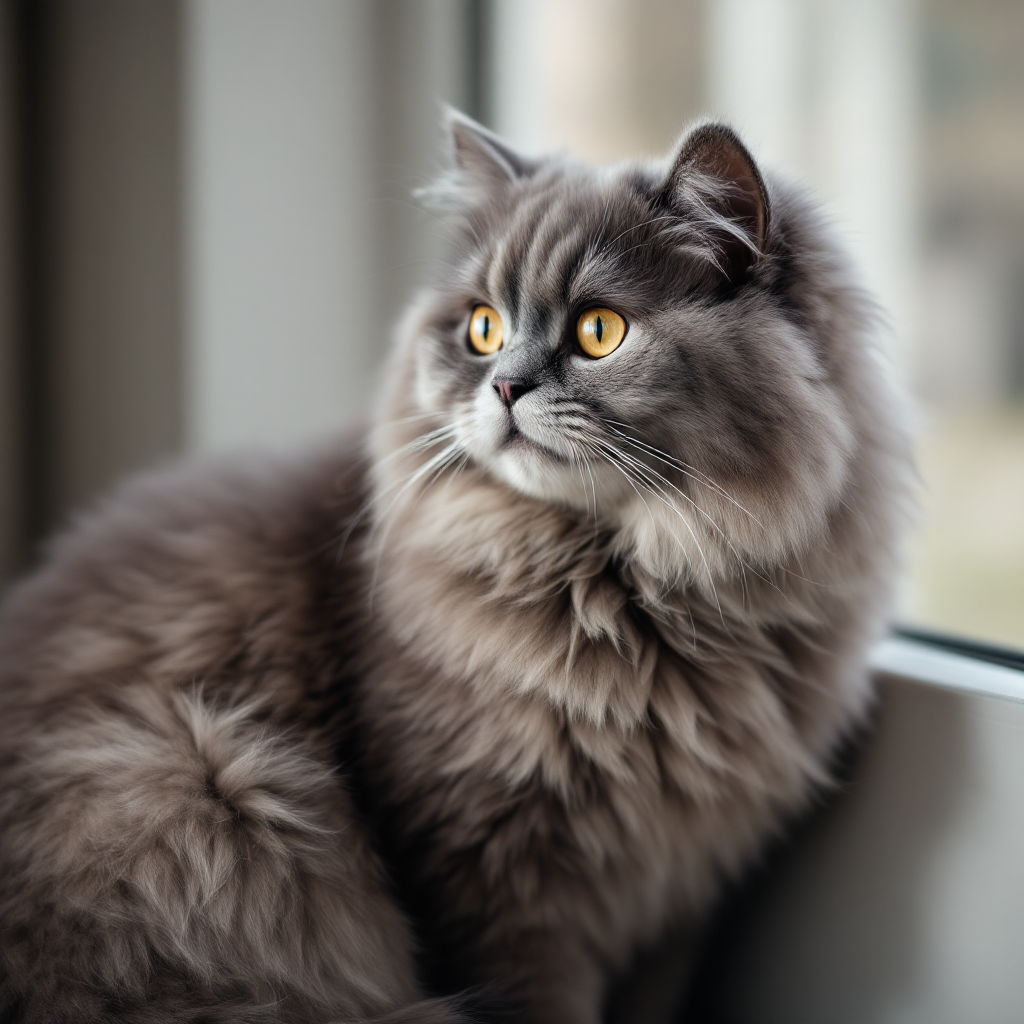
Example 1
- Prompt Used: “Fluffy grey British Shorthair cat sitting by the window, soft natural lighting, detailed fur texture, calm expression, ultra-detailed, photo-style portrait”
- Aspect Ratio: 1:1
- Generated Image:
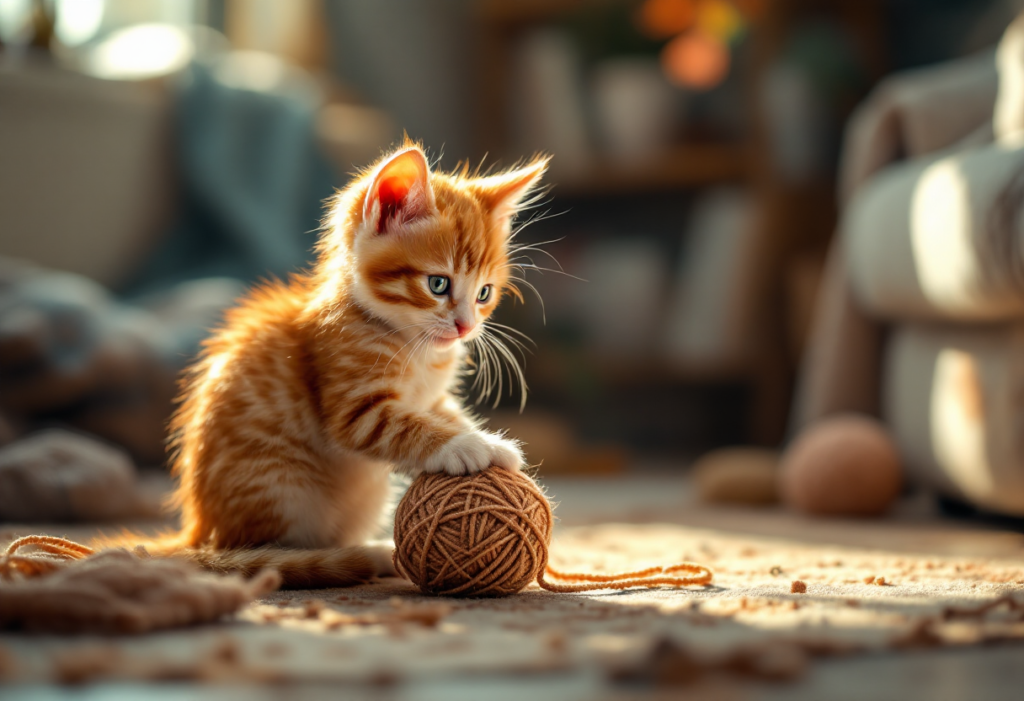
Example 2
- Prompt Used: “Cute orange tabby kitten playing with a ball of yarn, cozy living room, warm sunlight, soft shadows, realistic details”
- Aspect Ratio: 3:2
- Generated Image:
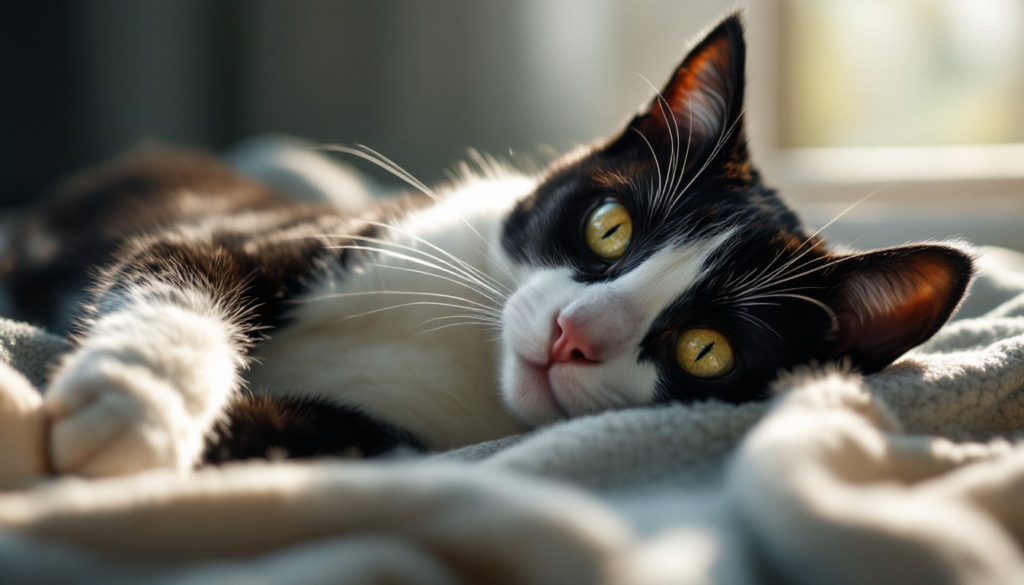
Example 3
- Prompt Used: “Black and white tuxedo cat lying on a blanket, sunlight through window, cinematic soft focus, lifelike eyes, detailed fur texture”
- Aspect Ratio: 16:9
- Generated Image:
Example 4
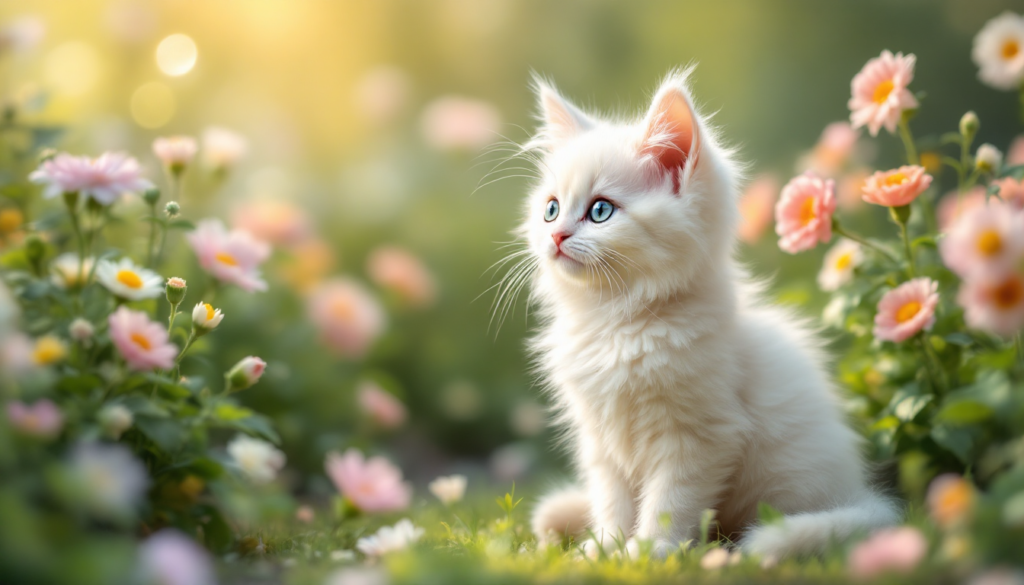
- Prompt Used: “White fluffy kitten sitting in a garden with flowers, soft bokeh background, realistic lighting, dreamy atmosphere, high-resolution details”
- Aspect Ratio: 9:16
- Generated Image:
Tips for Stunning Cat Images with AI
To make your cat images look realistic and eye-catching, follow these simple tips:
- Describe the Fur and Features Clearly: Include details like fluffy, silky, striped, spotted, long or short fur. Mention whiskers, paws, and eyes for added realism.
- Specify Lighting and Mood: Soft sunlight, warm indoor lighting, or cinematic shadows can dramatically enhance your cat image.
- Add a Background or Scene: Place the cat in a cozy living room, sunny window sill, garden, or any environment to make the image feel alive.
- Choose a Style: You can specify realistic, anime, 3D, soft watercolor, or cinematic photography style.
- Include Small Details: Toys, blankets, cushions, flowers, or sunlight reflections can make your image more engaging.
Tip: Review your prompt before generating. Make sure it’s detailed and matches your vision for the perfect cat image.
Avoiding Common Pitfalls
Sometimes your cat image may not turn out as expected. Here’s how to fix common issues:
- Prompt is too vague: Words like “cat” or “kitten” alone are too simple.
Use: “Fluffy grey British Shorthair kitten, sitting by a window, soft sunlight, realistic fur texture” - Missing details: Add colors, fur type, expression, and background.
- Odd results: Try changing the style, lighting, or breed.
Remember, AI generation can vary. Don’t be afraid to try multiple prompts until you get the desired result.
Classic Cat Prompt Ideas
Not sure where to start? Here are ready-to-use cat prompts for Vheer. Simply copy, paste, and generate your own cat images:
- Fluffy grey British Shorthair cat sitting by a window, soft natural light, ultra-detailed realistic fur
- Cute orange tabby kitten playing with a ball of yarn, cozy living room, warm sunlight, soft shadows
- White fluffy kitten in a garden of flowers, soft bokeh background, realistic lighting, dreamy atmosphere
- Black tuxedo cat lying on a blanket, cinematic soft focus, sunlight through window
- Siamese cat looking up curiously, studio lighting, hyper-realistic details, calm expression
- Calico kitten sleeping on a couch, warm cozy room, soft depth of field, realistic style
- Maine Coon cat standing on grass, bright natural light, detailed whiskers
- Grey tabby cat sitting near a window, soft morning light, realistic eyes, ultra-detailed
- Cute anime-style kitten with big expressive eyes, soft lighting, playful expression
- Fluffy black and white cat jumping over a cushion, soft indoor light, high realism
How to Make Your Cat Illustration Unique
Make your cat images more creative and personal:
- Add Movement: Jumping, stretching, playing with toys
- Include Environment Details: Cushions, windows, gardens, blankets
- Change Perspective: Close-up, wide-angle, overhead view
- Decorative Elements: Sunlight beams, shadows, flowers, or playful props
- Specify Style and Mood: Realistic, anime, soft, cinematic—choose what fits your vision
These little touches make your AI-generated cats feel alive and unique.
FAQ
How do I start creating cat images with Vheer?
Just open Vheer in your browser, select a model, write your cat prompt, and click Generate. You get your image in seconds!
Can I use Vheer on mobile or tablet?
Yes! Vheer works on any device with a web browser.
Is Vheer really free to use?
Absolutely! You can use the Quality model to generate unlimited cat images, with no watermarks and no account required.
What kinds of cat images can I create?
You can make realistic portraits, cute kittens, stylized cats, anime cats, or 3D-style cat illustrations. Just describe what you want.
How do I save and share my cat images?
Click the Download button after generating your image. You can share it on social media, use it as a profile picture, or in any creative project.